









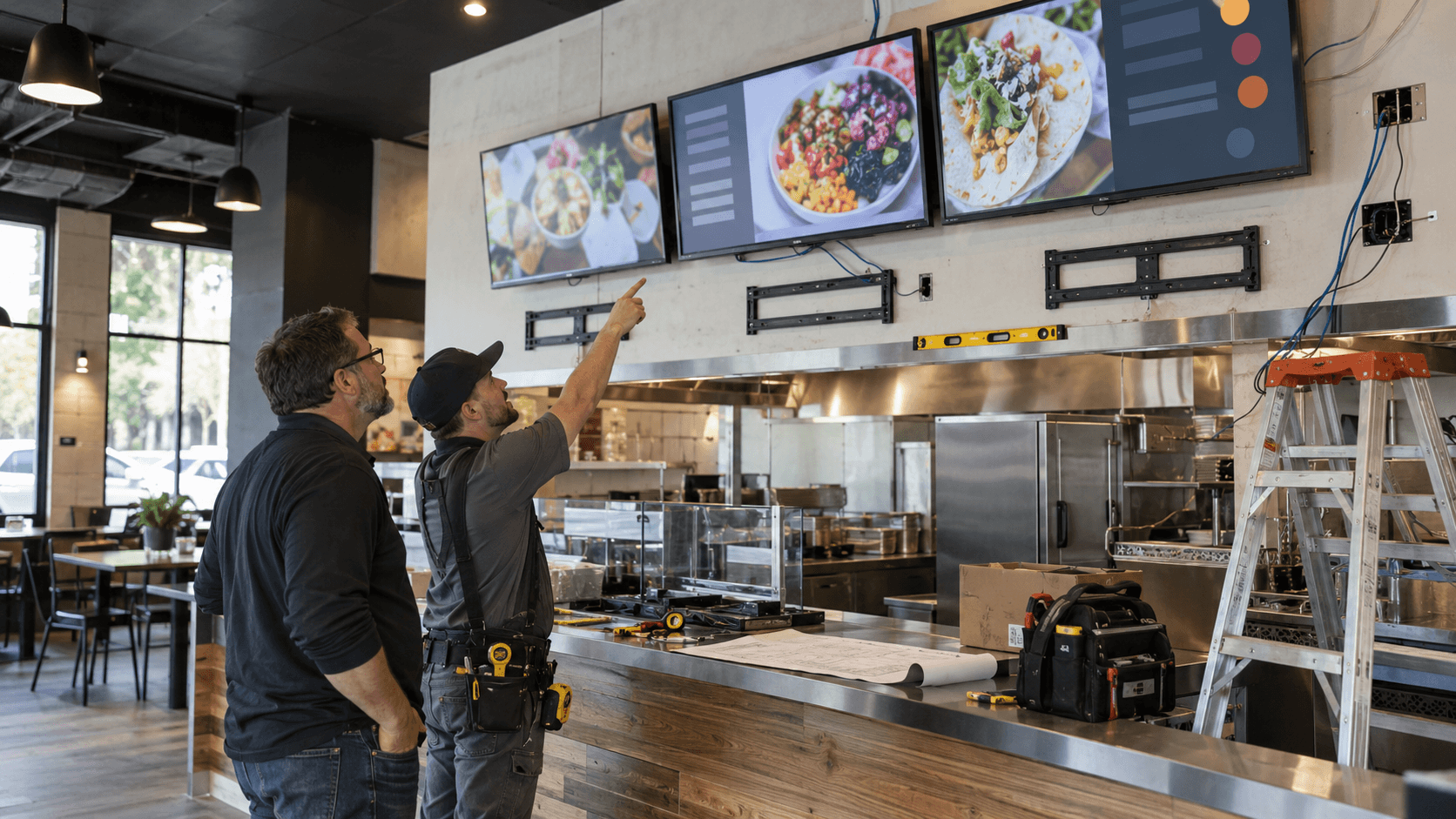
Digital Menu Boards in Akron: Restaurant Installation Guide
Planning digital menu boards in Akron? Review display placement, content, power, networking, readability, mounting, and maintenance before installation.




Cleveland, Ohio
Most Cleveland businesses do not call an IT provider because everything is broken. They call because the systems that carried them to this size will not carry them to the next one, and the cost of finding that out the hard way keeps going up.
UnlimitComp builds and manages the technology underneath growing companies: help desk and managed IT, network design, cybersecurity, structured cabling, wireless, and the camera and A/V systems that sit on top. The work is planned around where the business is heading, so capacity gets added before it is needed rather than after something fails.
That means infrastructure specified with headroom, standardized configurations that stay consistent as you add sites or staff, and documentation that does not live in one person's memory.



Infrastructure specified with headroom, so adding staff or sites does not mean replacing hardware.

Standardized configuration and documentation, so every location behaves the same way.

Network protection, monitoring and access control built in rather than added later.
What We Do
One team for the support ticket, the network it runs on, and the cable underneath it.
Your Local IT Partner

Systems get specified for where the business is heading, not the headcount it has today, so the next twenty hires do not trigger another rebuild.

Offices get the same firewall rules, the same wireless configuration and the same support process, so staff and equipment can move between sites without surprises.

Configurations, licences and access are written down and kept current, so the business is never dependent on one person's memory again.

Healthcare practices and professional firms get segmented networks, controlled access and the records an auditor expects to see.

Managed IT, network design, cabling, wireless, cameras and A/V handled by a single team, so no problem lands between two contracts.



Common Problems
The same four issues come up again and again once a company outgrows the setup it started with.
Service Area

Multi-Site and Remote
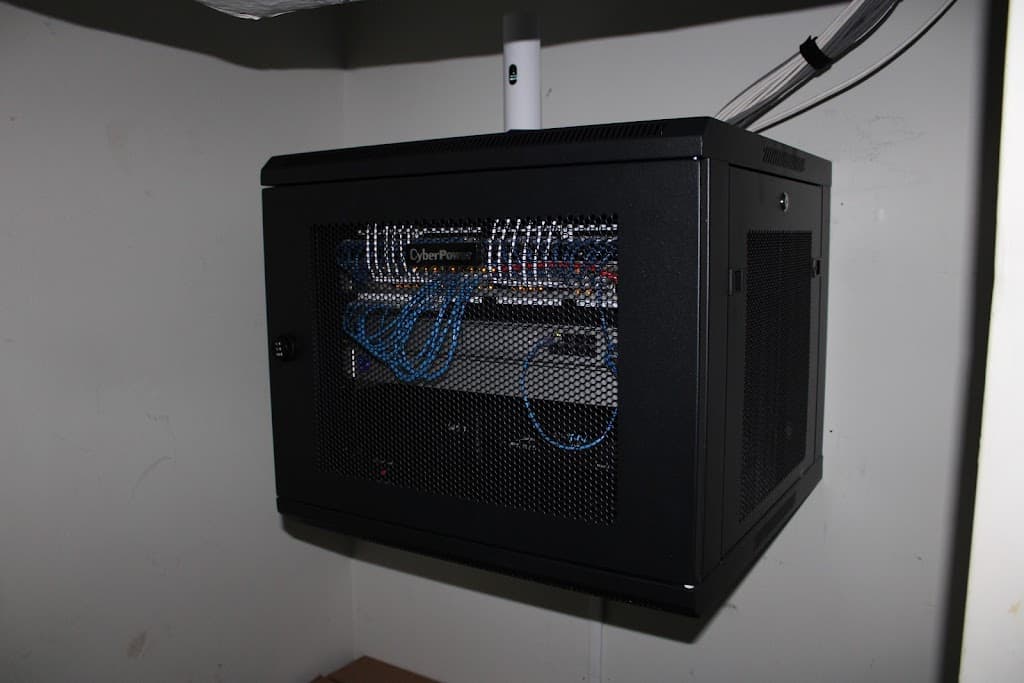
Running technology across several sites is a different problem from running it in one. Each location drifts. A different firewall, a different wireless vendor, a different person who set it up, until nothing can be troubleshot the same way twice and no change can be rolled out without visiting every building.
We standardize what should be identical and document the rest. Configurations are consistent across locations, remote staff connect the same way wherever they are, and support does not depend on which site called.
Who We Serve
Different sectors put very different demands on a network. These are the ones we see most.

Practices and clinics that need dependable uptime, controlled access and infrastructure that holds up to scrutiny.

Plant-floor connectivity and wireless coverage that survives the physical realities of an industrial space.

Firms that run on file access, secure email and conference rooms that work without a warm-up period.

Warehouse-wide wireless, scanner connectivity and camera coverage across dock doors and yard space.

Cabling, wireless, A/V and signage for fit-outs, relocations and buildings being modernized.

Cabling, wireless, A/V and signage for classrooms, common areas and community spaces on a fixed budget.
Our Process
What happens between the first call and a network you no longer have to think about.
We map every site, device and licence you already have, including the parts nobody has looked at in years, and write it all down so decisions stop being guesswork.

Configurations are brought to one standard across locations and cut over in stages, scheduled so staff keep working while each site moves.

Once everything is stable we monitor it, report on it, and plan the next round of capacity before growth turns into another emergency.

Start the Conversation
Tell us where your systems are straining and we will tell you what it would take to fix it, including whether it is worth doing now.
Call Us
(330) 360-8562Visit Us
2424 Pickle Rd, Akron OH, 44312
Client Testimonials

We have worked with Brandon for two years now - they have always completed our projects to their entirety, with resourceful solutions, and scheduled in a timely manner.
Chase Kelley
April 2024

Great company, very professional. Brandon is a gem. Can't see myself working with any other company!
Celina Flores
February 2024

Very knowledgeable, great customer service. The owner himself called me to make sure I was satisfied. Highly recommend!
Linda Lacey
February 2024

Great company, excellent customer service and know exactly what they're doing. Keep my business secure!
Ahmad Matar
February 2024

This is a great team that stands behind their work and goes the extra mile to make sure the job is done right.
David Atchison
February 2024

These guys were really cool. I needed a console cable to complete an Aruba server job. I don't believe they are even a traditional parts sales location but they still hooked me up.
Christopher eSX
July 2023
FAQ
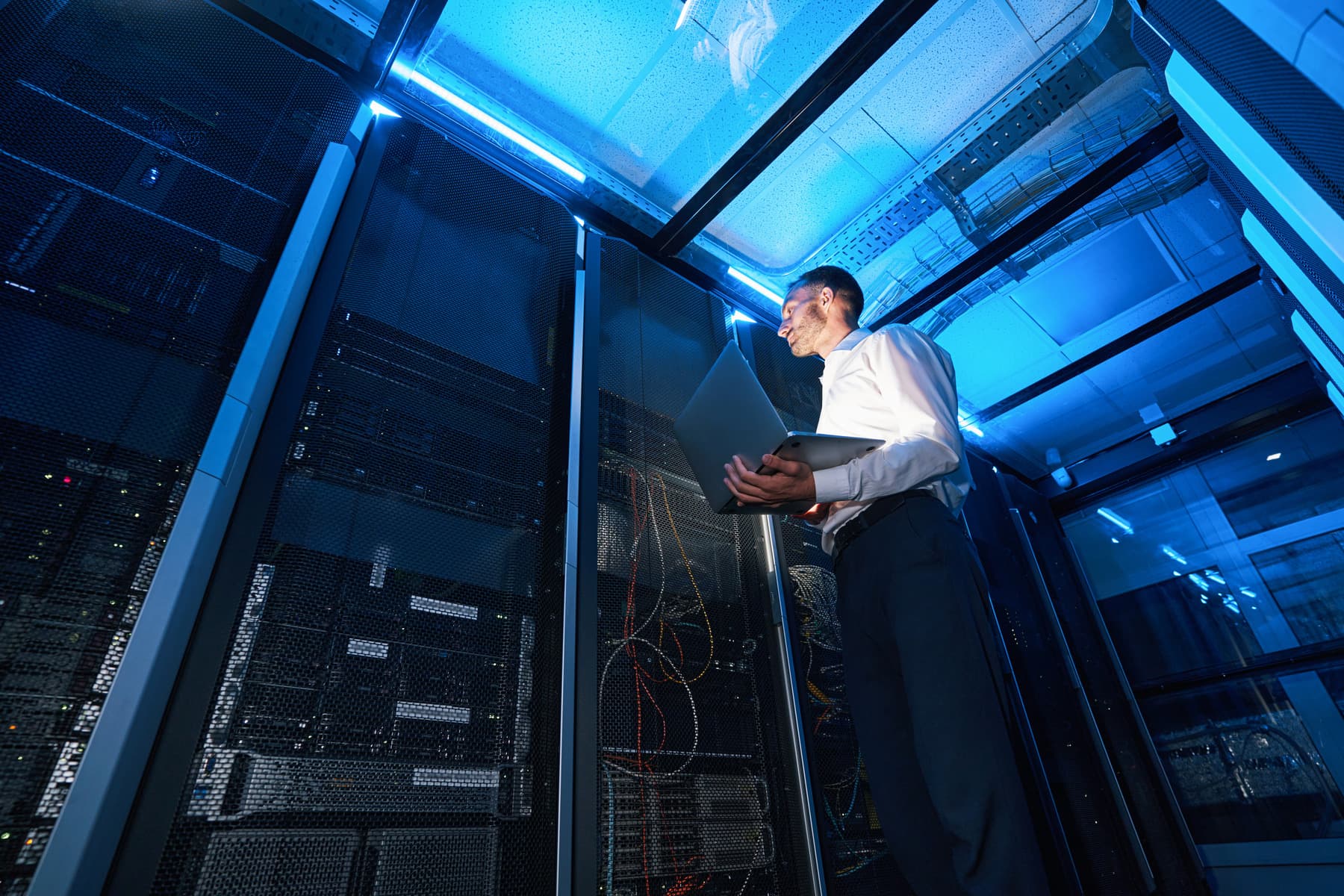
Yes. We install commercial data cabling for offices, warehouses, medical facilities and industrial spaces, covering new fit-outs, expansions and older buildings being brought up to current standards. Because we also design and support the network the cabling serves, the install is specified for what will actually run on it.
Yes, and it usually starts with a site survey rather than more hardware. Poor coverage in large spaces is normally a design problem, not a quantity problem. Adding access points to a bad layout tends to create interference instead of coverage. We measure how the building actually behaves, then place and configure equipment around that.
That is how we are set up. Managed IT, network design, structured cabling, Wi-Fi, cameras and A/V are delivered by the same team under one point of contact. It removes the gap between vendors where problems normally sit, and it usually costs less than maintaining separate contracts for each piece.
Most issues are handled remotely and work begins as soon as the ticket is triaged, with critical problems prioritized ahead of routine requests. When something needs hands on hardware, we schedule onsite support from our Northeast Ohio base. Response commitments are set in writing as part of your service agreement.
Yes. The majority of day-to-day support is delivered remotely because it is faster for everyone, but installations, hardware failures, cabling and physical security work are all handled onsite by our own technicians rather than subcontracted out.
From the Blog
Guidance on managed IT, networking and security for businesses across Northeast Ohio.
Planning digital menu boards in Akron? Review display placement, content, power, networking, readability, mounting, and maintenance before installation.

Planning security camera installation in Akron? Learn about camera placement, image quality, recording, network needs, access, and maintenance.

Is a slow business network caused by Wi-Fi, bandwidth, a device, or the software itself? Learn how to narrow down the real source before making changes.